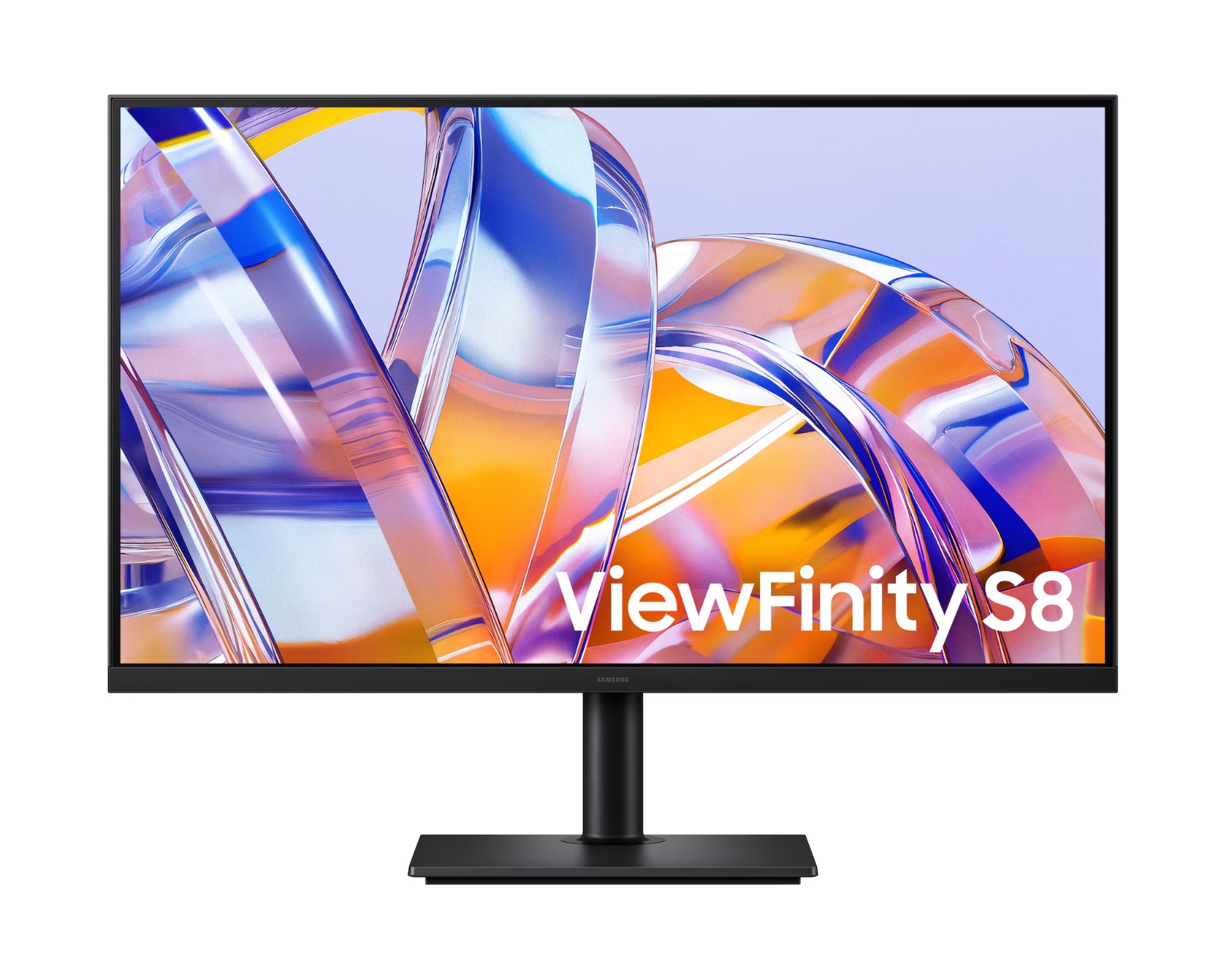
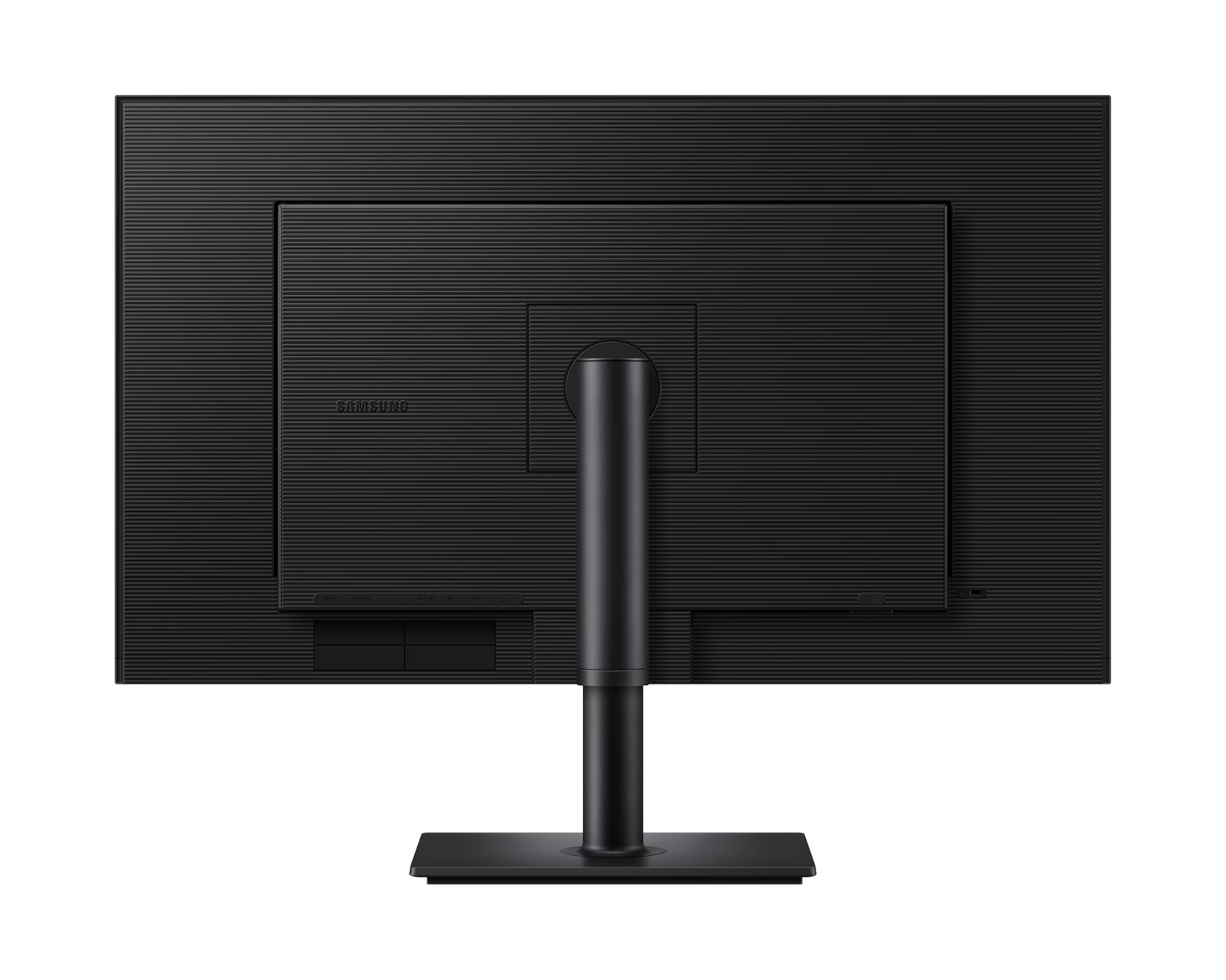
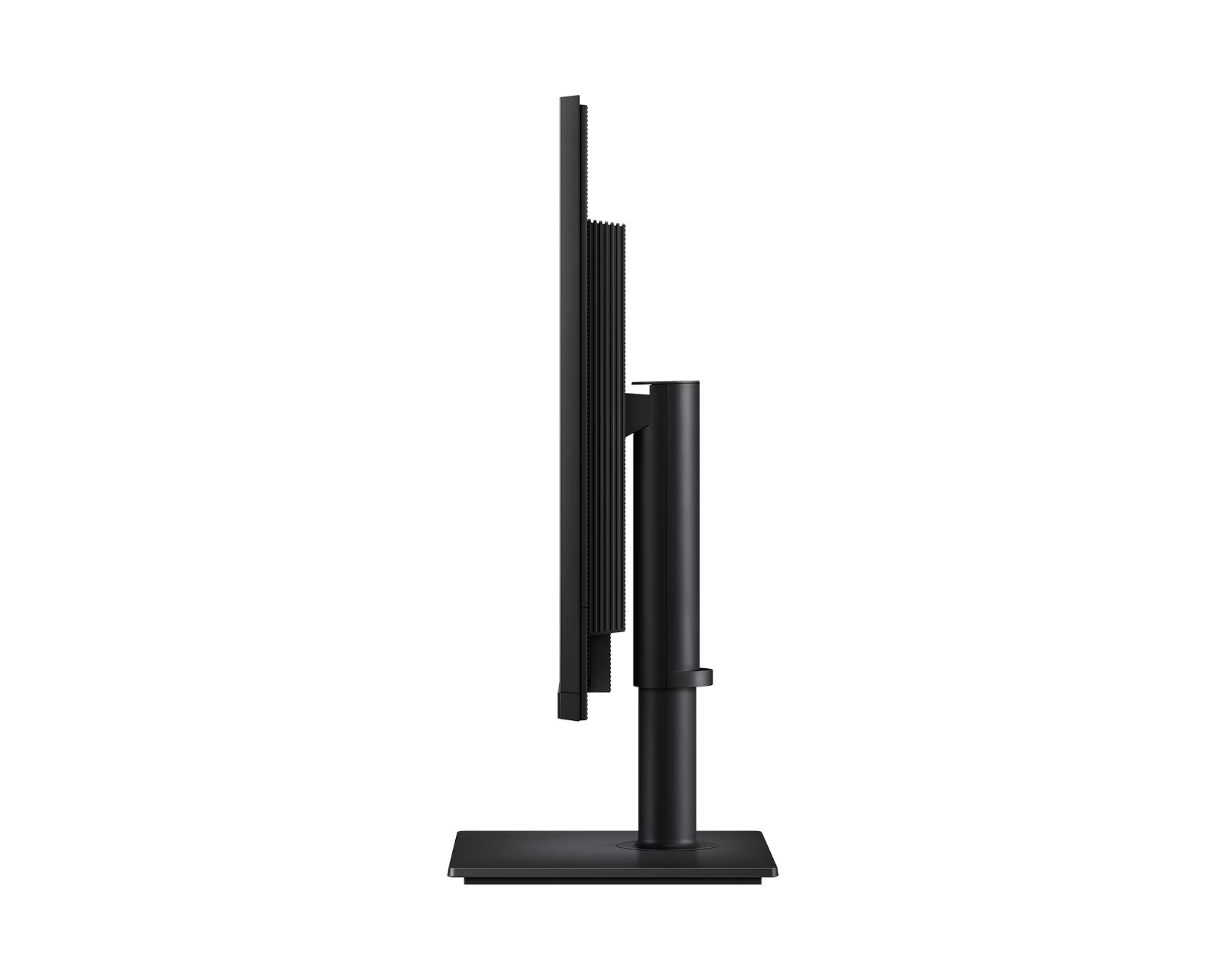
SAMSUNG ViewFinity S8 LS32H802UACXXK

SAMSUNG ViewFinity S8 LS32H802UACXXK

數量

簡介

+
The monitor is shown with a photo editing tool open, and the screen shows three squares of different sizes showing FHD (1920×1080), QHD (2560×1440) and 4K UHD (3840×2160). 4K UHD 超高清解像度 專業級呈現清晰視覺效果 A monitor is connected to a PC, a laptop, a keyboard and a mouse. The monitor has an editing tool open. The port icon above the PC indicates 90W charging and data transfer, while the Ethernet icon is above the laptop. Icons for USB-C, LAN, Display Port, USB-A and USB-B. USB-C 及 LAN 連接埠 保持電力充足,工作高效不間斷 A port at the bottom of the monitor is highlighted, and a charging cable is shown attempting to connect to it. Easy Connection 輕鬆連接 快速連接裝置,提升工作效率 A designer is using two monitors, one tilted and the other pivoted 90 degrees. In a different office environment, another monitor’s height is adjusted, swiveled, and pivoted 90 degrees. 人體工學設計 隨意調整,滿足觀看需要

商品詳情

性能與熱情,完美結合

A financial trader is using two monitors, one horizontal and the other pivoted 90 degrees.

功能概覽

4K UHD icon. USB-C 90W icon. Easy Connection icon. Ergonomic Design icon. HDR10. LAN Port. KVM Switch / PIP / PBP. Eye Saver Mode. Samsung Display Manager. Recycled Materials.

驚艷細節,卓越清晰度

Picture

專業級呈現清晰視覺效果

4K UHD 超高清解像度

4K UHD 超高清解像度 (3840x2160) 解像度提供專業所需的卓越視覺效果。其高像素密度可在 ViewFinity S8 S80UH 上呈現更豐富的細節。透過準確的色彩呈現和更大的屏幕空間,你可以創作精細的設計、複雜的圖表和動態影片內容。1

The monitor is shown with a photo editing tool open, and the screen shows three squares of different sizes showing FHD (1920×1080), QHD (2560×1440) and 4K UHD (3840×2160).

更多色彩,帶來更逼真效果

HDR10

HDR10 確保逼真呈現超過 10 億種色彩,並具有更深邃的黑色和更明亮的高光。在 ViewFinity S8 S80UH 上體驗寬廣色域的驚人準確度與細節。讓你的內容如預期般生動迷人。2

The HDR10 screen at the bottom shows a clearer image of the umbrellas than the SDR screen at the top. A color wheel icon to show 1.07 billion colors.

無縫連接,打造靈活工作流程

Connectivity

保持電力充足,工作高效不間斷

USB-C 及 LAN 連接埠

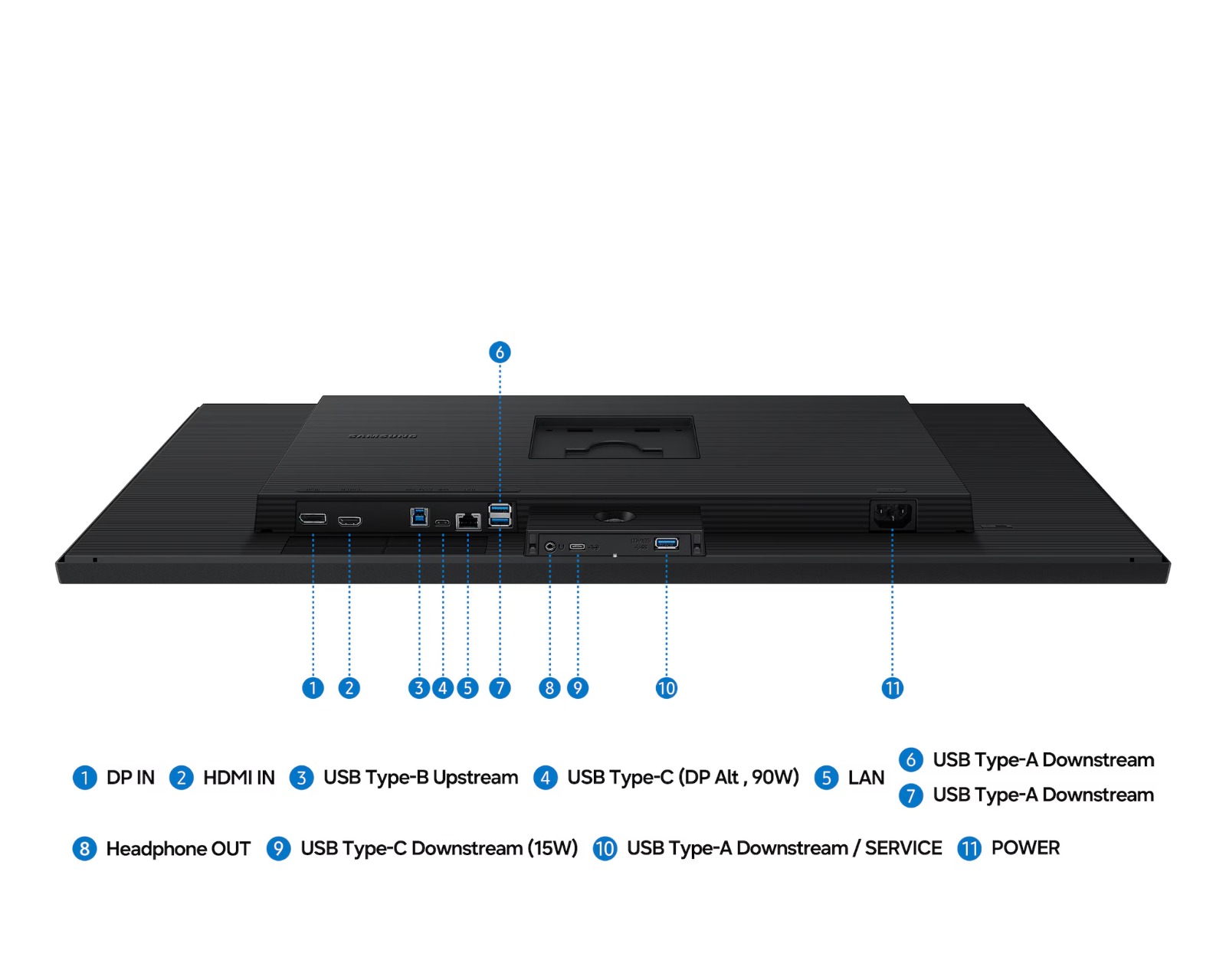
USB-C 連接埠支援 90W 同時充電與資料傳輸,內建 LAN 連接埠則提供穩定流暢的有線網路連線。ViewFinity S8 S80UH 整合多元連接功能,讓你輕鬆掌控顯示器與連接裝置,打造更高效的工作空間。

A monitor is connected to a PC, a laptop, a keyboard and a mouse. The monitor has an editing tool open. The port icon above the PC indicates 90W charging and data transfer, while the Ethernet icon is above the laptop. Icons for USB-C, LAN, Display Port, USB-A and USB-B.

快速連接裝置,提升工作效率

Easy Connection 輕鬆連接

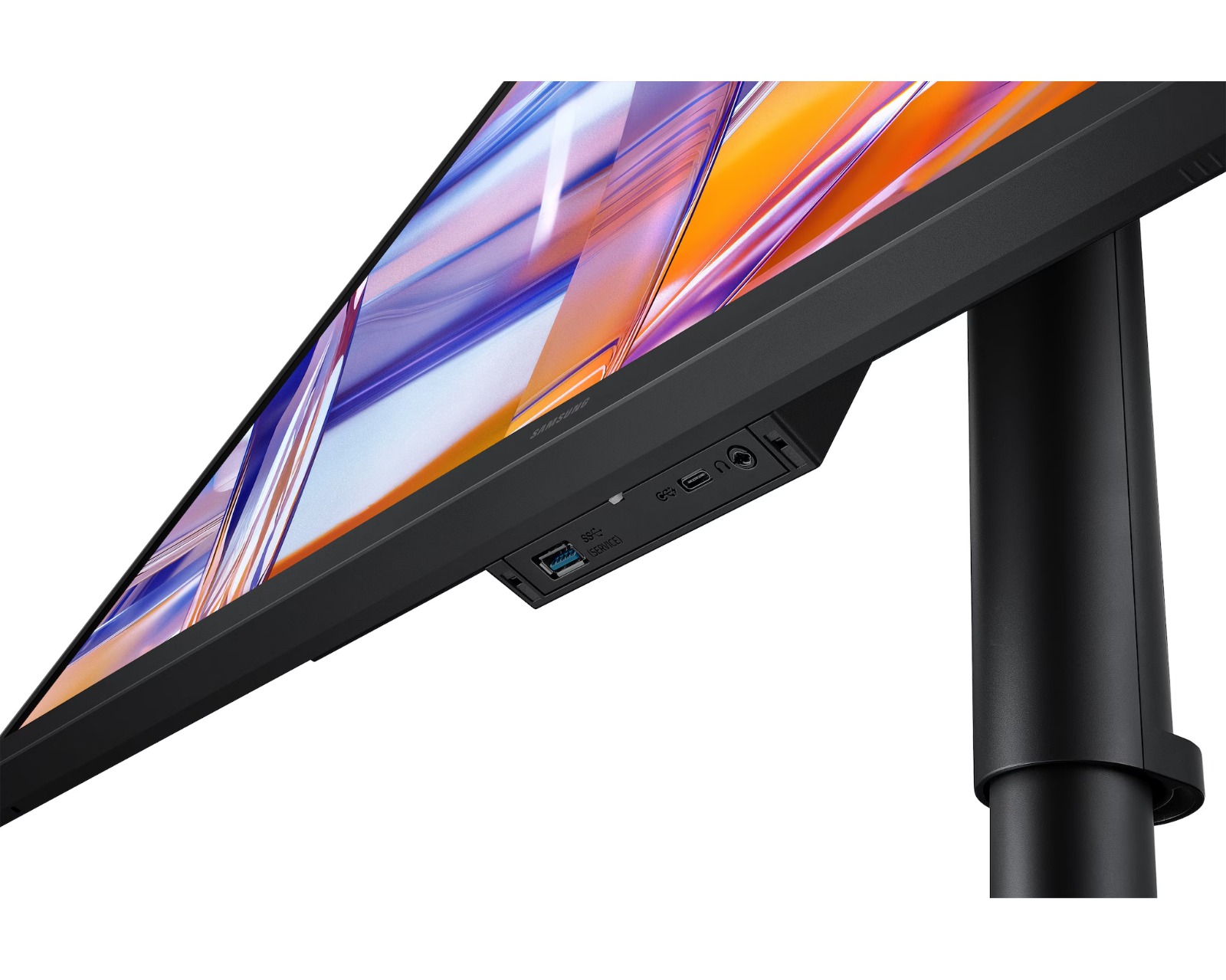
Easy Connection 輕鬆連接將常用連接埠置於觸手可及的位置,讓你可以輕鬆連接裝置,不再需要摸索難以觸及的埠位。專為高速流暢的工作流程設計,幫助你在顯示器上維持高效的工作空間。

A port at the bottom of the monitor is highlighted, and a charging cable is shown attempting to connect to it.

輕鬆掌控多個來源

內建 KVM 切換器

內建 KVM 切換器,讓你只需一套鍵盤與滑鼠,就能同時連接並控制兩個來源裝置。ViewFinity S8 S80UH 讓你告別多裝置切換的困擾,輕鬆實現無縫多工處理。

When the KVM Switch is activated, Source A reacts, and the left side of the screen is enabled. When the KVM Switch is activated again, the source changes from A to B, and the right side of the screen is enabled.

播放影片

單一螢幕,高效多工

畫中畫及畫面並排

保持專注,不再需要頻繁切換畫面或錯過重要更新。畫中畫功能讓你能在主要畫面旁輕鬆顯示文件、聊天視窗或娛樂內容。畫面並排則可將螢幕分割成兩半,以原生解析度同時顯示兩個輸入來源,輕鬆跨裝置工作。

The monitor with the PIP feature displays a main screen and a sub-screen. The main screen is connected to Source A, which is the PC, while the sub-screen is connected to Source B, which is the laptop. The monitor then enables the PBP feature, displaying a split screen labeled A and B. Section A shows content from Source A, and Section B shows content from Source B.

播放影片

下一頁

輕鬆掌控多個來源單一螢幕,高效多工

全天候使用依然便利舒適

Usability

隨意調整,滿足觀看需要

人體工學設計

顯示器搭載人體工學設計,讓你輕鬆找到最舒適的觀看角度。只需調整傾斜角度、左右旋轉與高度,即可獲得適合角度,提升使用舒適度。你亦可將顯示器旋轉90度,從而以較少的滑動次數來瀏覽冗長文檔。

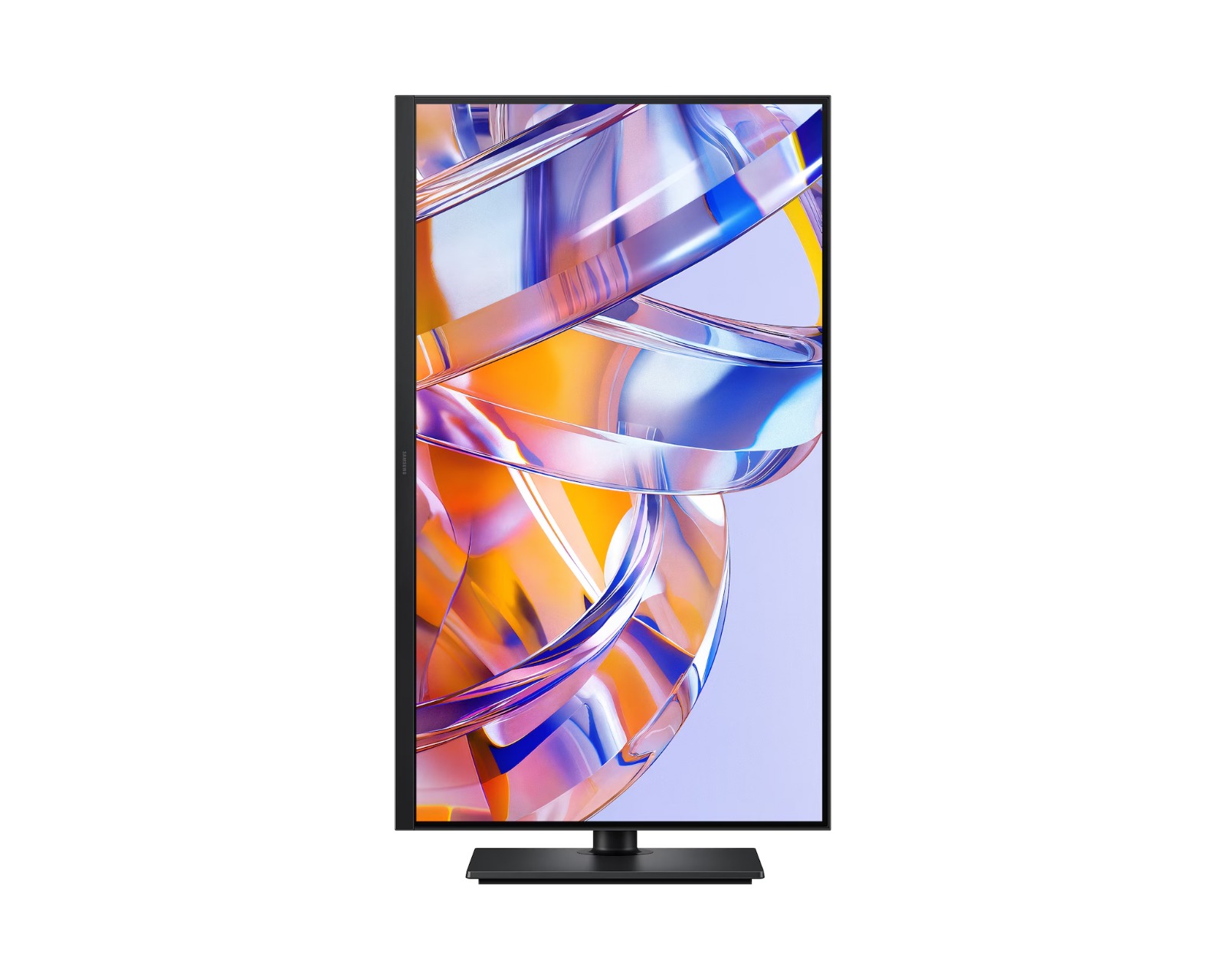
A designer is using two monitors, one tilted and the other pivoted 90 degrees. In a different office environment, another monitor’s height is adjusted, swiveled, and pivoted 90 degrees.

A designer is using two monitors, one tilted and the other pivoted 90 degrees. In a different office environment, another monitor’s height is adjusted, swiveled, and pivoted 90 degrees.

保持雙眼放鬆

護眼模式及更少的屏幕閃爍

採用先進的護眼技術,並已獲得 TÜV 認證,保護你的視力。「護眼模式」可減少藍光,從而減輕眼睛疲勞;「減少屏幕閃爍」功能有助於防止惱人的屏幕閃爍,讓你在使用顯示器時,即使長時間使用,也能保持舒適。3

A split screen displays two documents. With Eye Saver Mode OFF, the screen flickers. With Eye Saver Mode ON and Less Screen Flickering ON, the screen is clear. TÜVRheinland® Certified Flicker Free Low Blue Light (Software Solution) www.tuv.com logo.

全面掌控,一站式控制中心

Samsung Display Manager

Samsung Display Manager 可幫助你輕鬆存取多項功能,例如分屏設定、亮度調整、KVM、畫中畫/並排顯示以及精確的色彩校正。只需點擊桌面上的浮動選單,即可輕鬆享受進階的屏幕控制功能。對於商務用戶而言,MAPT(MAC 位址直通)功能可讓資產管理員可靠地識別和追蹤網絡中連接的裝置。4

A monitor displays three apps on the screen. The cursor clicks the Samsung Display Manager icon, selects Picture settings, and adjusts the screen brightness. Next, it clicks Split Screen, enables Quick Split, and drags each app window onto the layout icons at the top to place the apps in the matching split-screen sections.

A monitor displays three apps on the screen. The cursor clicks the Samsung Display Manager icon, selects Picture settings, and adjusts the screen brightness. Next, it clicks Split Screen, enables Quick Split, and drags each app window onto the layout icons at the top to place the apps in the matching split-screen sections.

以負責任的方式設計與製造

再生物料

ViewFinity 顯示器超過 15% 的材質為再生塑膠。顯示器的塑膠材質未使用任何化學噴霧,易於回收。此外,包裝盒的接縫採用膠水黏合而非釘書釘固定,拆卸時無需拆除釘書釘。5
你可能感興趣的商品